
The first step in using the GlobUNT tool is selecting a country/region to customize your dataset and view the native tree species relevant to your context. This step ensures that your results align with the specific geographic context of your restoration or tree-planting initiative.
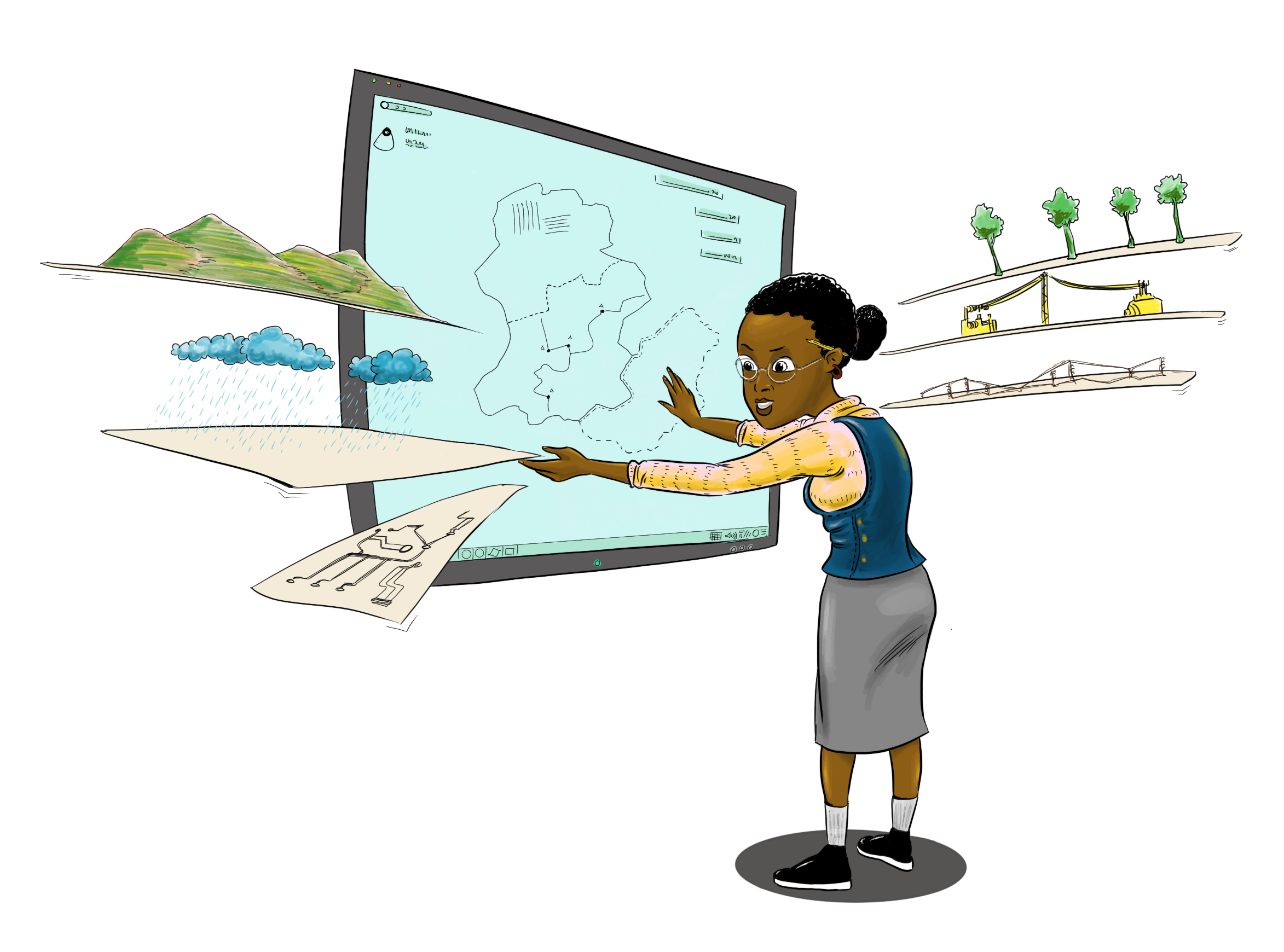
In GlobUNT, countries are assigned to continents and subcontinents based on a reliable classification system. This country selection step is essential because it forms the foundation for refining tree species lists and tailoring them to the specific ecological and environmental conditions of your restoration project.
How country selection works
Key geographic data sources used by GlobUNT:
World Geographical Scheme for Recording Plant Distributions (Brummit 2001)
Countries in GlobUNT are grouped according to the Second Edition of the World Geographical Scheme for Recording Plant Distributions (Brummit 2001).This classification system provides a consistent and standardized way of assigning countries to continents and subcontinents.Plants of the World Online (POWO)
GlobUNT uses additional data from Plants of the World Online (POWO) to enhance regional accuracy. This filtering feature allows users to focus on tree species native to specific areas within a country, such as provinces or states.
Steps to select a country
In this section, we’ll guide Aisha, through the process of selecting her country, Namibia in GlobUNT. Follow along by clicking the arrows in the image below to walk through each step interactively.
Completing the country selection step is essential, as it lays the groundwork for further customization. From here, you can move on to other functionalities, such as filtering by uses, climate , or planting site, and ultimately generate a refined list of tree species for your project.